A new way to see yourself
Art you love.
People you love.
Your people. Your pets. A little cameo in a masterpiece. Create personal painting adaptations on iPhone, then make them part of your home.
Made with AI. Chosen by you.
In private beta for iPhone.
A familiar face can make a great painting feel like home.
Painted In / A personal collectionFrom photo to painting
A little you.
A whole new perspective.
Start with a painting that speaks to you.
Bring along the people and pets you love.
- 01
Find your setting.
A riverside afternoon. A garden in bloom. Choose a work from a curated collection of public-domain paintings.
- 02
Bring your favorites.
Select photos of your people and pets. Choose subtle cameos or a more prominent place in the scene, then create.
- 03
Make yourself at home.
Preview your painting, save it, or share it. Send it to a compatible Samsung Frame TV over your home Wi-Fi.
Timeless art. A personal beginning.
Choose somewhere
you’d love to be.
Quiet gardens, bright orchards, long afternoons.
A few original works from the app’s collection.
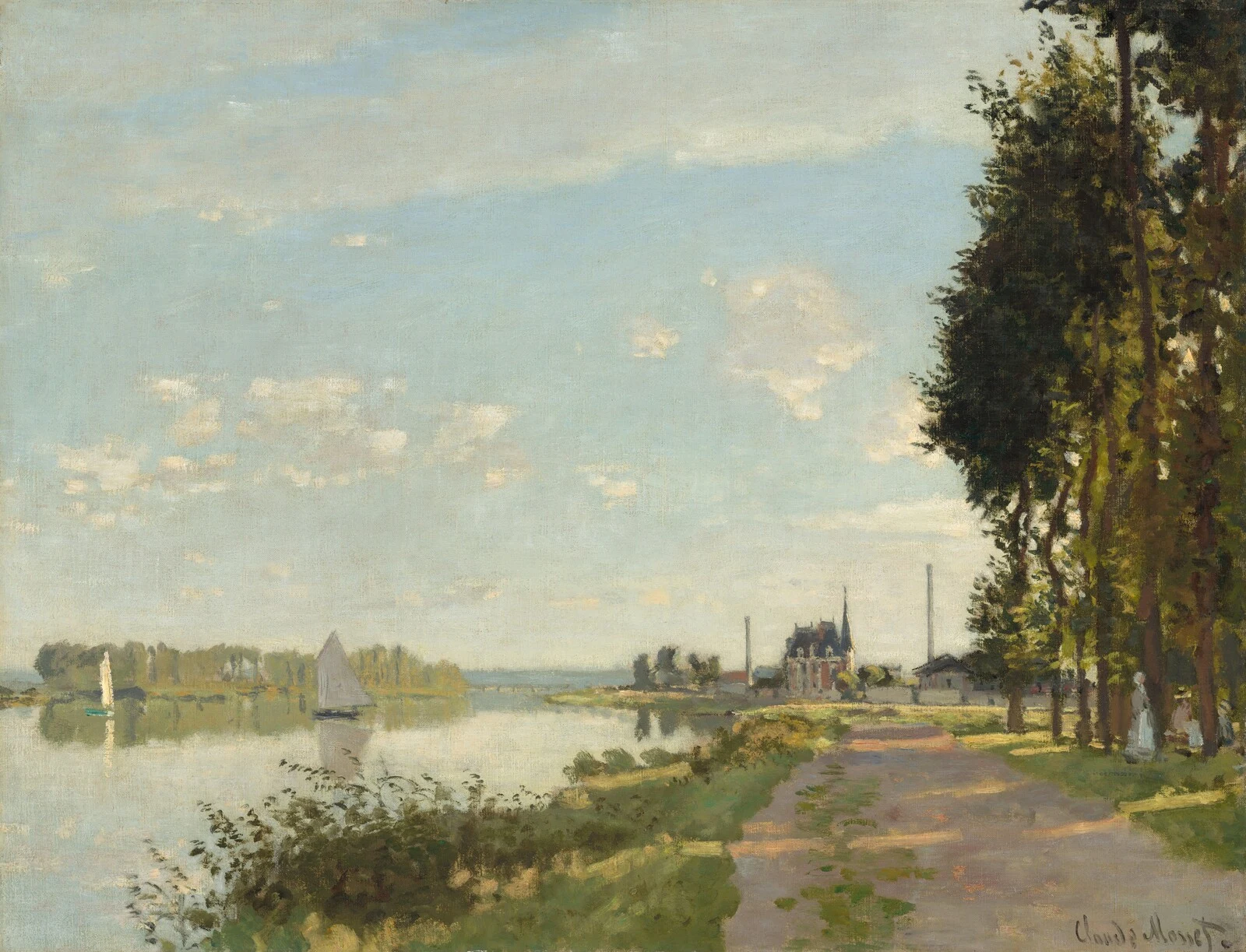
Argenteuil
c. 1872 · National Gallery of Art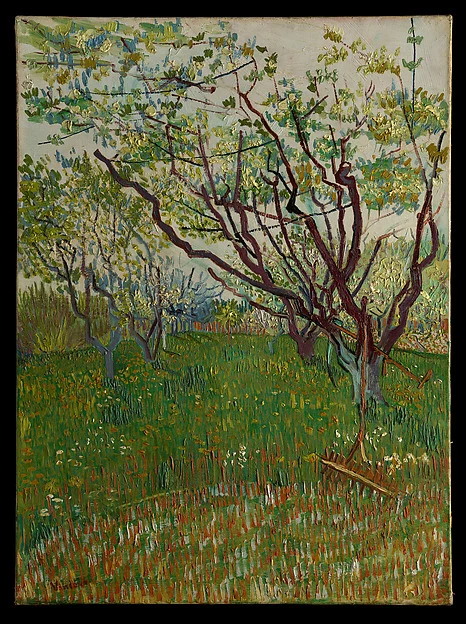
The Flowering Orchard
1888 · The Metropolitan Museum of Art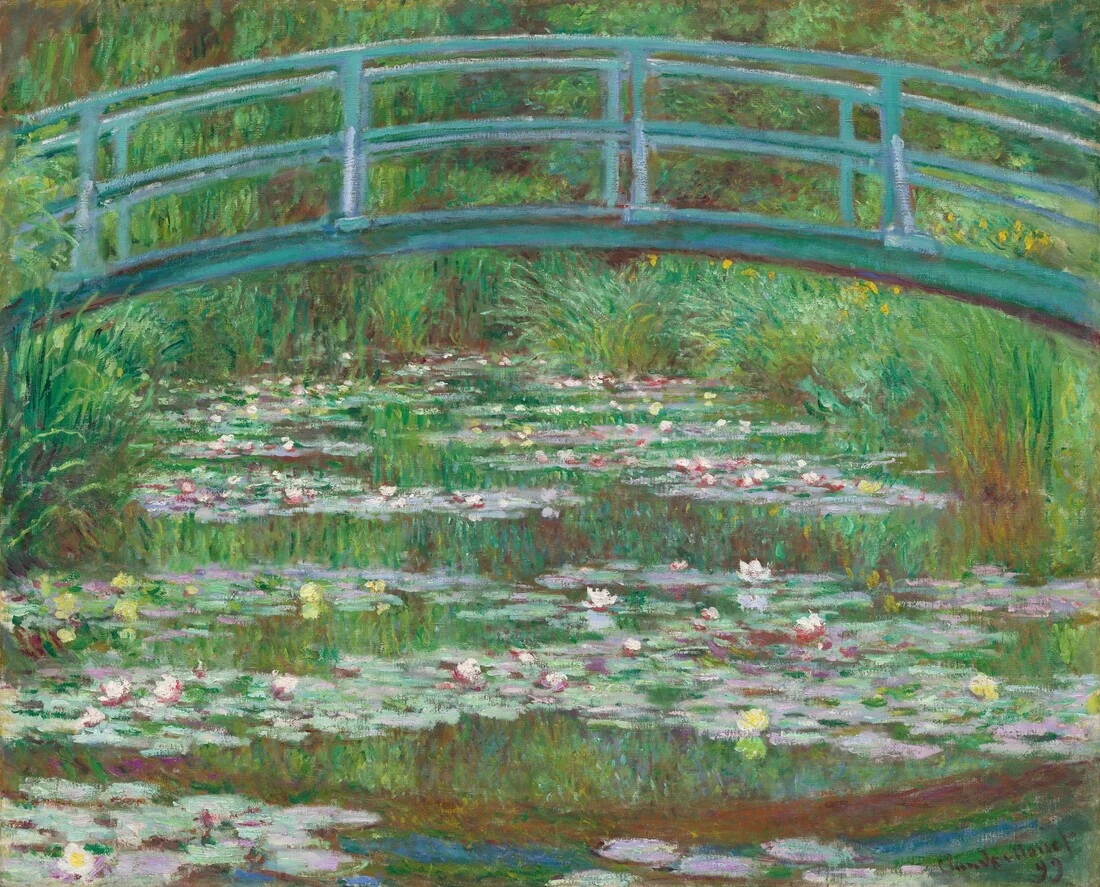
The Japanese Footbridge
1899 · National Gallery of ArtThese are original source paintings, not examples of generated results. Every adaptation is different.
Original artwork shown · Display illustration
Beyond the camera roll
Your wall.
Your little museum.
A painting feels different when you’re part of its story. Keep your collection on your phone, export your favorites, or give them a place on your Frame.
- Send saved art over your home Wi-Fi
- Set up a rotation with Apple Shortcuts
- Keep a favorite on display until you’re ready for a change
Personal means personal
Your photos deserve
a clear explanation.
When you create, the reference photos you select, subject names, and creation instructions go to OpenAI for image generation. Our privacy policy explains what stays on your device, what reaches our service, and what happens next.
Read our privacy policyA few things to know
Good questions.
Do I need a Frame TV?
No. You can create, preview, save, and export paintings on your iPhone. A compatible Frame TV adds another way to enjoy your collection at home.
What kinds of photos work best?
Choose clear photos where the person or pet is easy to see. Multiple photos can help show the same subject from different angles. Use only photos you have permission to share and process.
Will it look exactly like us?
Painted In creates an artistic interpretation, not an exact photograph. Likeness, brushwork, and composition can vary. Each creation includes one redo with the same painting and subjects, so you can request a correction.
Does sending a painting use credits?
No. Credits are for new creations. Viewing, saving, exporting, sharing, sending to your Frame, and rotating saved paintings do not use credits. A technical generation failure does not consume a creation credit.
When can I get Painted In?
Painted In is in private beta for iPhone. There is no public App Store download yet. We’ll update this site when public availability is confirmed.
More about the beta
A familiar face.
An unexpected place.
The art behind this page
Claude Monet, Argenteuil, c. 1872 · Ailsa Mellon Bruce Collection. Claude Monet, The Japanese Footbridge, 1899 · Gift of Victoria Nebeker Coberly, in memory of her son John W. Mudd, and Walter H. and Leonore Annenberg. Both courtesy National Gallery of Art, Washington.
Vincent van Gogh, The Flowering Orchard, 1888 · The Mr. and Mrs. Henry Ittleson Jr. Purchase Fund, 1956. The Metropolitan Museum of Art. Images provided through the museums’ open-access programs. No museum endorsement is implied.